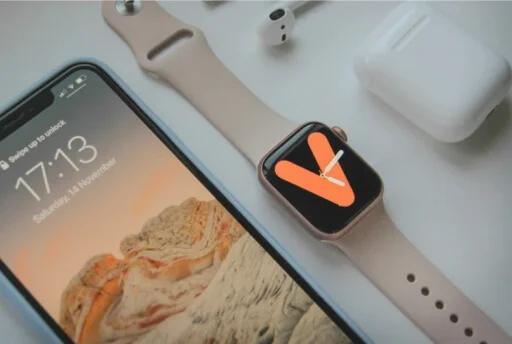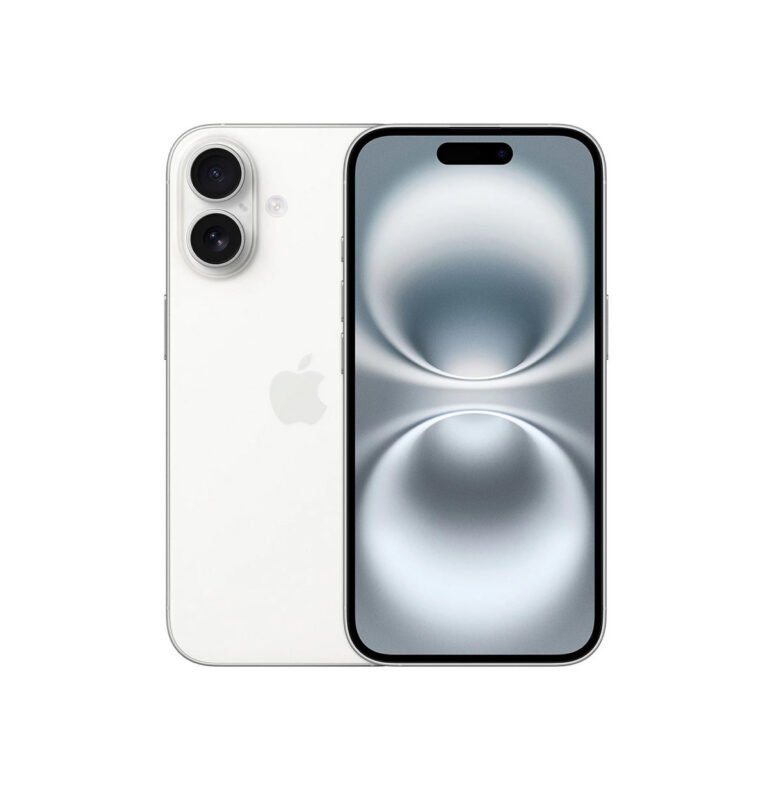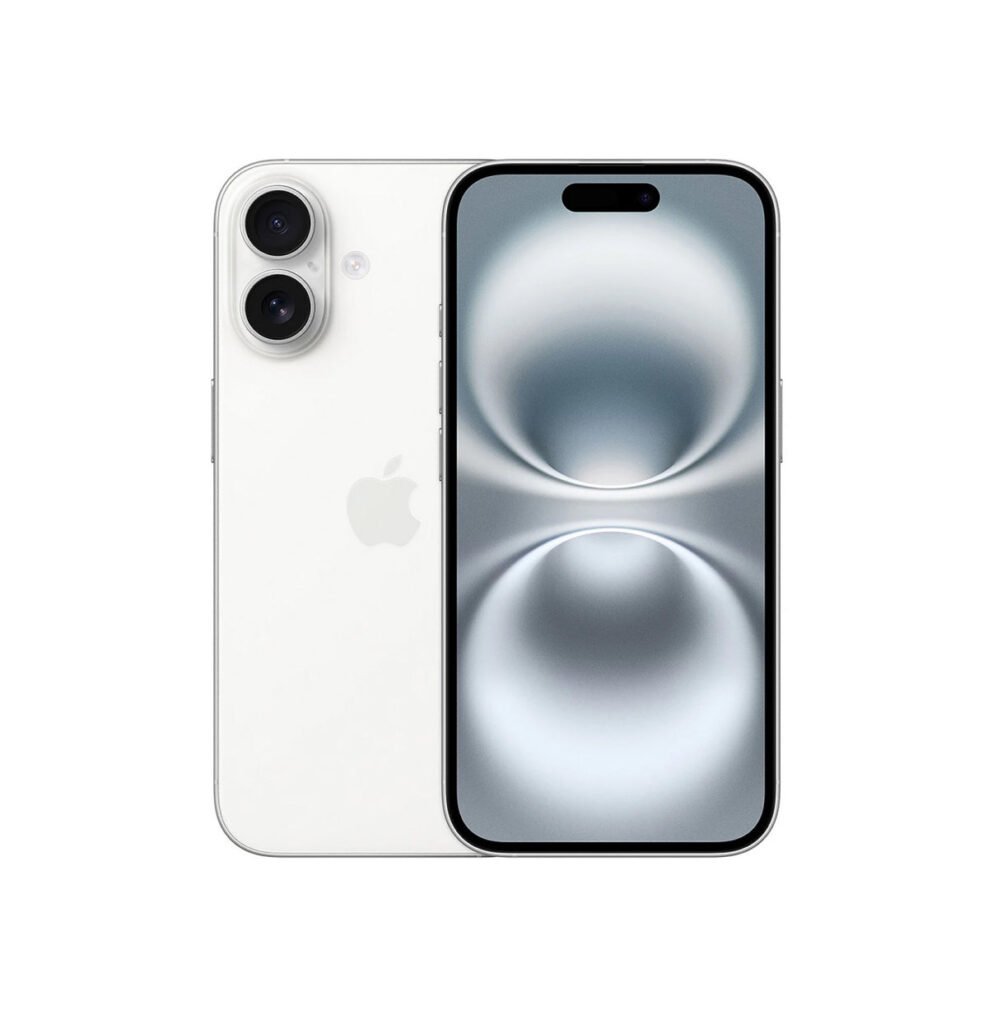
Your old phone may still have value. Selling it and trading it towards another device are different routes, but both begin with an accurate description and an inspection before a final offer is agreed.
Give a clear description
Share the brand, model, storage and cosmetic condition. Explain screen damage, charging faults, battery concerns, account locks and previous repairs. Accurate details help make an initial estimate useful. Do not submit passwords, bank details or full IMEI and serial numbers through the public form.
An estimate is a starting point
An estimate is based on the information supplied. The final value follows inspection, functional checks and ownership verification. Damage or a different specification can change the amount. GadgetBar explains the final offer and you decide whether to accept it.
Choose cash or an upgrade
A buyback offer leads to an agreed payment after acceptance. A trade-in uses an eligible device’s accepted value towards an available refurbished replacement. Stock, eligibility, final value and any remaining payment must be confirmed before you commit.
Agree the handover and return arrangements
Before collection or postage, confirm the receiving details, packaging, shipping responsibility and what happens if you decline a revised offer. Ask when and how payment or credit will be issued. Do not assume a payment deadline or collection service that has not been agreed.
Prepare your data at the right time
Back up and transfer important information before an agreed handover. Follow current manufacturer instructions to erase personal data and remove account locks once the sale arrangements are confirmed. Keep private credentials to yourself and retain a record of the accepted offer.
For an upgrade, compare the replacement’s storage, grade, battery information and 12-month GadgetBar device warranty. Our refurbished buying checklist explains what to check.
Request a buyback estimate or discuss a trade-in.
Guidance is general. Device support, parts, appointments and any offer are confirmed individually with GadgetBar.