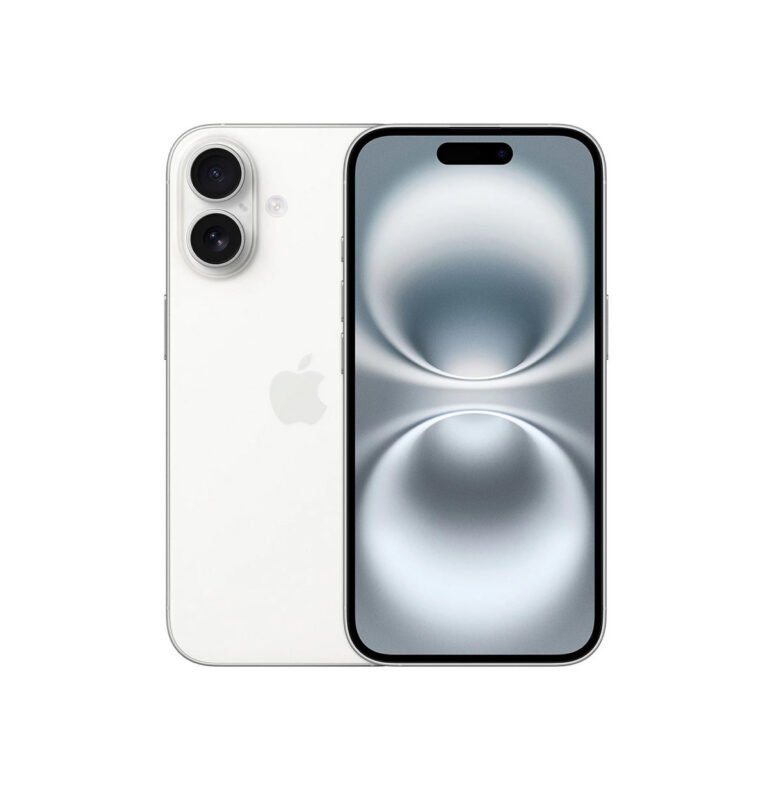
A little preparation makes it easier to assess your iPhone and protect the information you care about. Complete the steps your device allows; if it will not switch on, tell GadgetBar what you have been able to do.
Back up before your appointment
Make a current backup and check that important photos, contacts and documents have been saved. A repair is not a backup service. Some faults and software work can affect data, so explain early if preserving information is your priority. Follow Apple’s current preparation guidance for manufacturer service requirements.
Write down the symptoms
Record whether the problem is constant or intermittent. For a screen issue, describe cracks, lines, blank areas and touch response. For charging, explain which cables you have tried and whether the phone charges wirelessly. Mention liquid exposure, drops and previous repairs.
Keep credentials out of enquiry forms
Do not send your Apple Account password, device passcode, payment details or full device identifiers through a website enquiry. If testing needs you to unlock the phone, ask how this will be handled and stay present while entering private information yourself. Do not erase or remove account locks for an ordinary enquiry without agreed instructions.
Ask which part option is quoted
Parts vary by model and repair. Confirm whether the quoted part is a genuine manufacturer component, a refurbished original or a compatible replacement. Ask about any effect on display features, parts messages, biometric functions and water resistance before you approve the work.
Keep the confirmation
Your repair confirmation should identify the service, price and agreed appointment. GadgetBar repairs have a 12-month fitted-parts and workmanship warranty, subject to the policy exclusions. This is separate from any manufacturer warranty.
Ready to discuss a fault? Visit iPhone repair and send your model, issue and postcode.
Guidance is general. Device support, parts, appointments and any offer are confirmed individually with GadgetBar.